
The Ethiopia e-Visa application requires a recent passport-size photo uploaded in JPEG or PNG format, with a maximum file size of 2 MB. The photo must meet international passport photo standards: a white or light-colored background, neutral facial expression, no head coverings (unless for religious reasons), and a clear, unobstructed view of your full face. Getting the photo wrong is one of the most common reasons for e-Visa delays and rejections.
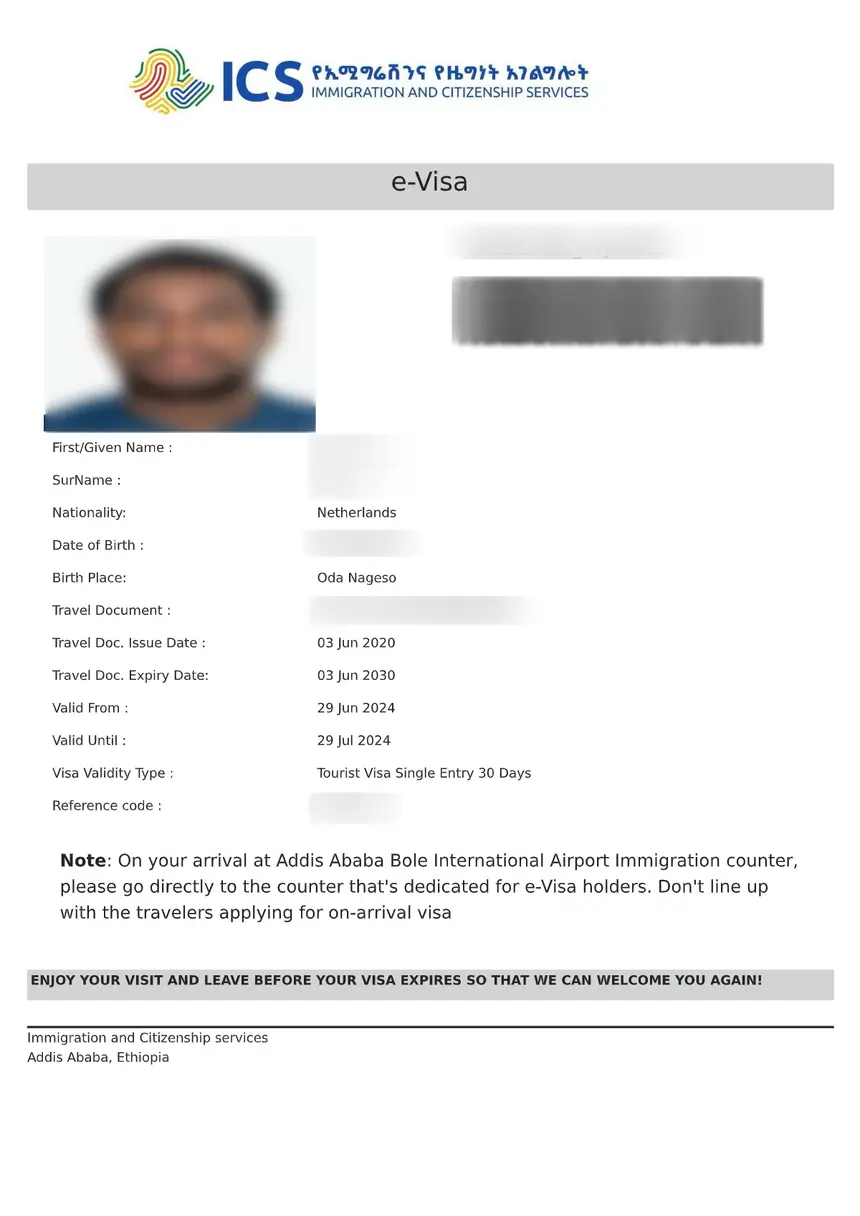
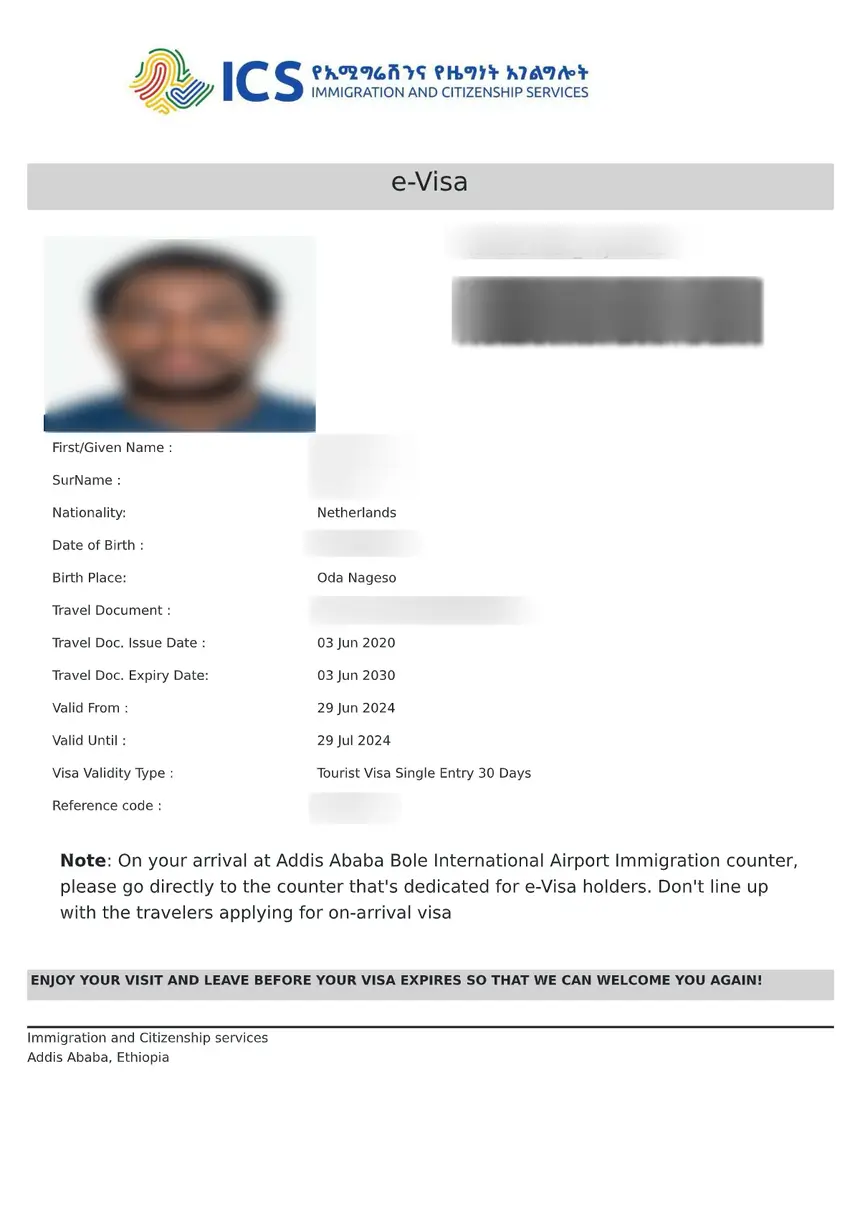
Ethiopia e-Visa Photo Specifications
| Requirement | Specification |
|---|---|
| File format | JPEG (.jpg) or PNG (.png) |
| Maximum file size | 2 MB |
| Minimum resolution | 600 x 600 pixels (recommended) |
| Aspect ratio | Square (1:1) or standard passport ratio |
| Background | White or light-colored, no patterns |
| Recency | Taken within the last 6 months |
| Head position | Centered, looking directly at camera |
| Expression | Neutral, mouth closed, eyes open |
These specifications match the standards used by the Ethiopian Main Department of Immigration and Nationality Affairs through the e-Visa portal at evisa.gov.et. The same photo standards apply whether you are applying for a tourist visa, business visa, or transit visa.
Photo Background Requirements
The background of your Ethiopia visa photo must be plain white or off-white. Patterned backgrounds, colored walls, or outdoor scenes will cause your application to be flagged or rejected.
Key rules:
– No shadows visible on the background behind your head
– No other people or objects in the frame
– Solid white or very light grey is the safest choice
– Avoid cream or beige backgrounds – some automated systems flag these as non-compliant
Professional photo studios in most countries are familiar with passport photo requirements and will provide the correct background automatically. If you are taking the photo at home, stand against a white wall in a well-lit room.
Facial Expression and Head Position
Your face must be clearly visible and centered in the photo. Ethiopian immigration uses facial recognition technology to match your visa photo with your appearance at the airport, so a clear, accurate photo is essential.
Do:
– Look directly at the camera with both eyes visible
– Keep a neutral expression – no smiling, frowning, or raised eyebrows
– Center your face horizontally and vertically in the frame
– Keep your head straight (not tilted)
Do not:
– Wear sunglasses or tinted glasses
– Cover your face with hair
– Tilt your head to any angle
– Take a selfie – use a proper camera at eye level
For complete document requirements beyond the photo, see our Ethiopia visa requirements checklist.
Head Coverings and Religious Exceptions
Head coverings for religious reasons are permitted in Ethiopia visa photos, but they must not obscure any part of your face. Your full face – from the bottom of your chin to the top of your forehead, and from ear to ear – must be clearly visible.
Acceptable head coverings include:
– Hijab (must show full face from chin to hairline)
– Turban (must not cast shadows on the face)
– Yarmulke/kippah (too small to affect facial visibility)
Not acceptable:
– Full-face veils (niqab or burqa) – these cover the face and will be rejected
– Hats or caps worn for fashion (non-religious)
– Headbands or scarves that cover the forehead or eyebrows
If you wear a head covering for religious reasons, ensure the photo is well-lit so that your facial features are not shadowed by the fabric.
Glasses in Ethiopia Visa Photos
You may wear glasses in your Ethiopia visa photo only if you meet all of the following conditions:
- The frames do not cover any part of your eyes
- There is no glare or reflection on the lenses
- The lenses are clear, not tinted or photochromic
- You wear them daily (not just for the photo)
Recommendation: Remove your glasses for the photo if possible. Glare from lenses is the single most common photo rejection reason for visa applications worldwide. Even subtle reflections can interfere with facial recognition systems used at Addis Ababa Bole International Airport.
If you must wear glasses for medical reasons, tilt your head slightly downward to reduce glare, or ask your photographer to adjust the lighting.
Photo for Children and Infants
Children applying for an Ethiopia e-Visa must also submit a photo. The same general requirements apply, with the following adjustments:
- Infants (under 1 year): The photo may show the child lying down on a white surface. No other person should be visible in the frame. Eyes should be open if possible, but this is not strictly enforced for newborns.
- Toddlers (1-5 years): A neutral expression is ideal but difficult to enforce. A photo with a closed mouth and open eyes is generally accepted.
- Children (6-17 years): Standard adult photo rules apply – neutral expression, no glasses unless medically necessary, white background.
Every traveler, regardless of age, needs their own e-Visa with their own photo. For details on children’s travel documents, review our Ethiopia passport requirements guide.
How to Upload Your Photo to the e-Visa Portal
During the Ethiopia e-Visa application process at evisa.gov.et, you will reach a step that asks you to upload a passport photo. Here is how to do it correctly:
- Prepare your photo file – Save it as JPEG (.jpg) or PNG (.png) on your computer or phone.
- Check file size – The file must be under 2 MB. If your photo is too large, use an online image compressor or resize it to 600×600 pixels.
- Click “Choose File” or “Upload” – Select your photo from your device.
- Preview the upload – The portal will show a preview. Check that your face is centered and the background is visible.
- Proceed to the next step – If the upload fails, try a smaller file size or a different format (switch from PNG to JPEG).
Common upload errors:
– File too large (>2 MB) – Compress the image
– Wrong format (.bmp, .gif, .webp) – Convert to JPEG or PNG
– Blurry photo – Use a higher resolution original
– Photo cropped too tightly – Leave some space above your head and below your chin
How to Take a Compliant Photo at Home
You do not need a professional photographer for your Ethiopia visa photo. A smartphone camera and a white wall are sufficient if you follow these steps:
- Find a white wall with even lighting. Natural daylight from a window works best – avoid harsh overhead lights that cast shadows under your eyes.
- Stand 3-4 feet from the wall to prevent shadows behind your head.
- Have someone else take the photo – Selfies distort facial proportions and are often rejected.
- Position the camera at eye level, about 3-4 feet away from your face.
- Crop the photo to show your head and shoulders, with the top of your head near the top edge and your chin near the bottom third.
- Check the file format and size before uploading.
Alternatively, many pharmacies, post offices, and photo shops offer passport photo services for a small fee (typically $5-15 USD equivalent). This is the safest option if you are unsure about meeting the technical requirements.
Common Photo Rejection Reasons
Understanding why photos get rejected helps you avoid delays. The most frequent issues seen on Ethiopia e-Visa applications are:
| Rejection Reason | How to Avoid It |
|---|---|
| Background not white/light enough | Use a plain white wall |
| Face partially covered by hair | Pull hair back behind ears |
| Glare on glasses | Remove glasses or adjust angle |
| Image too dark or overexposed | Use natural daylight, no flash |
| File too large (>2 MB) | Compress to under 1 MB |
| Wrong file format | Save as JPEG (.jpg) |
| Photo too old (different appearance) | Take a new photo within 6 months |
| Selfie (distorted proportions) | Have someone else take it |
| Blurry or low resolution | Use a phone camera (8MP+) |
If your photo is rejected during the application, the portal will notify you and allow you to re-upload. This does not affect your application status, but it delays processing. For current processing times, see our Ethiopia visa processing time guide.
Photo vs. Passport: What Is the Difference?
Your e-Visa photo and your passport photo are separate uploads – they are not the same file:
| Aspect | Passport Photo | e-Visa Photo Upload |
|---|---|---|
| Where it appears | Your physical passport booklet | Digital upload to evisa.gov.et |
| When needed | At passport issuance | During visa application |
| Format | Physical print (35x45mm) | Digital file (JPEG/PNG) |
| Can be the same photo? | Yes, if it meets both specifications | Yes, if it meets both specifications |
You can use the same photo for both your passport and your e-Visa application, as long as it meets the e-Visa upload specifications (digital format, correct size). A photo taken at a passport photo studio typically meets all international standards and will work for the Ethiopia e-Visa.
FAQs About Ethiopia Visa Photo Requirements
What format does the Ethiopia e-Visa photo need to be in?
The photo must be uploaded in JPEG (.jpg) or PNG (.png) format. Other formats such as BMP, GIF, TIFF, or WebP are not accepted by the e-Visa portal at evisa.gov.et.
What is the maximum file size for the Ethiopia visa photo?
The maximum file size is 2 MB. If your photo exceeds this limit, compress it using a free online tool or resize it to 600×600 pixels before uploading.
Can I wear a hijab in my Ethiopia visa photo?
Yes. Head coverings worn for religious reasons are permitted as long as your full face is visible – from the bottom of your chin to the top of your forehead, and from ear to ear. The covering must not cast shadows on your face.
Can I smile in my Ethiopia visa photo?
No. You must maintain a neutral expression with your mouth closed and eyes open. Smiling can interfere with facial recognition systems used at Addis Ababa Bole International Airport.
Can I wear glasses in my Ethiopia visa photo?
You may wear glasses if the frames do not cover your eyes, there is no glare on the lenses, and the lenses are clear (not tinted). However, removing glasses is recommended to avoid rejection due to lens glare.
Do children need a separate photo for their Ethiopia visa?
Yes. Every traveler, including infants and children, must have their own e-Visa application with a separate photo. Infants may be photographed lying down on a white surface.
What happens if my photo is rejected?
The e-Visa portal will notify you and allow you to re-upload a new photo. This does not affect your application status but may delay processing by one to two business days.
Can I take my Ethiopia visa photo with my phone?
Yes. A smartphone camera with 8 megapixels or more is sufficient. Have someone else take the photo (avoid selfies), use a white wall as the background, and ensure even lighting with no shadows on your face or the background.